

Create all your learning content – from scratch or with AI.
Build courses, assessments, surveys, and certificates directly in Smart Arena – or create content faster with Coursly AI and export it to Smart Arena. Then publish, assign, and manage learning from one platform.



“It’s easy to use – anyone can build an e-course fast. The admin side is powerful and user-friendly.”

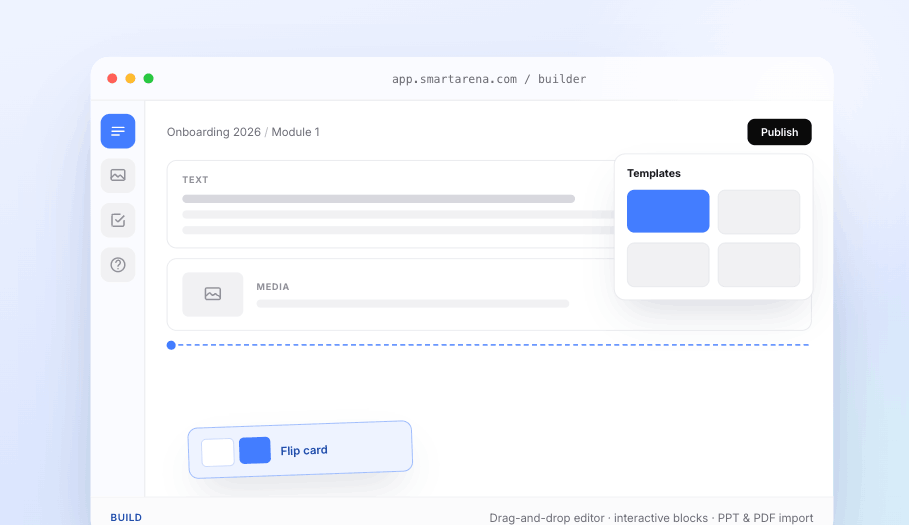
Build courses your way – with drag-and-drop or AI.
Create directly in Smart Arena's no-code editor, or build faster with Coursly AI and export your course to Smart Arena. Start from scratch, a template, or existing material, then add interactive content, assessments, surveys, and rich media – no coding or design skills needed.
- Coursly AI authoring generates complete courses that you can export to Smart Arena.
- Drag-and-drop editor gives you full control without coding.
- Interactive content includes quizzes, surveys, flip cards, video, and rich media.
- Templates and imports turn existing PPT and PDF material into reusable training.
Add real assessments — without a second tool.
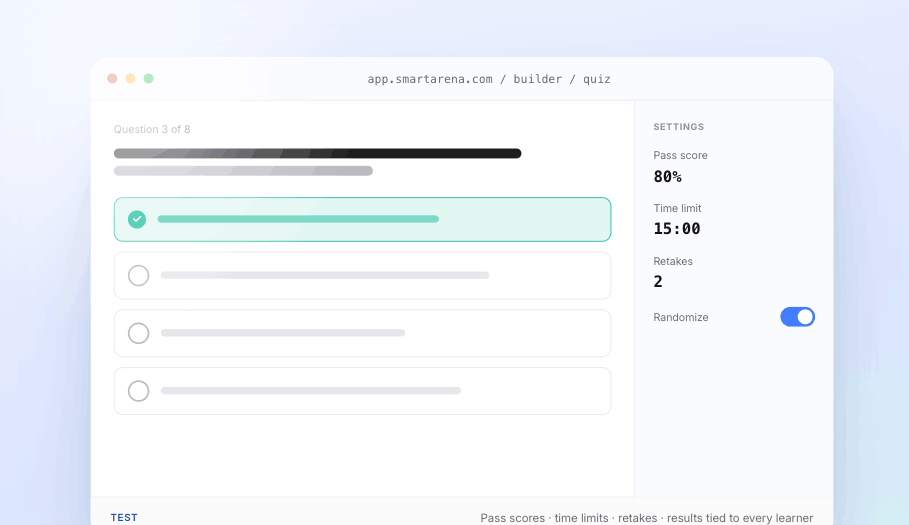
Build quizzes and knowledge checks inside the course. Choose question types, set pass scores, time limits, and retakes – with results automatically tied to each learner for reporting and certificates.
- Configurable rules for pass score, time limit, and retakes.
- Connected results linking every score to the learner, course, and certificate.
- Compliance-ready data that feeds audit records in the Compliance module.
Build feedback into the course — not beside it.
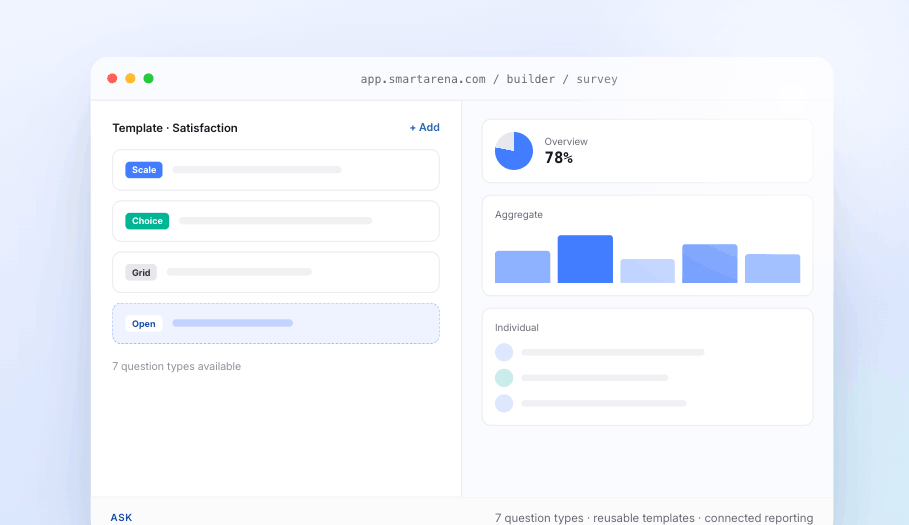
Create surveys directly in the learning flow, with seven question types plus text, image, and video elements. Launch them standalone, inside a course, or after classroom training – and keep results tied to the course and learner.
- Flexible launch options for standalone, in-course, or post-session surveys.
- Reusable templates you can customize without changing the original.
- Completion gating to require feedback before a course is complete.
- Connected reporting with leadership overviews, survey-level results, individual responses, and CSV/PDF export.
Design the certificate, not just the course.
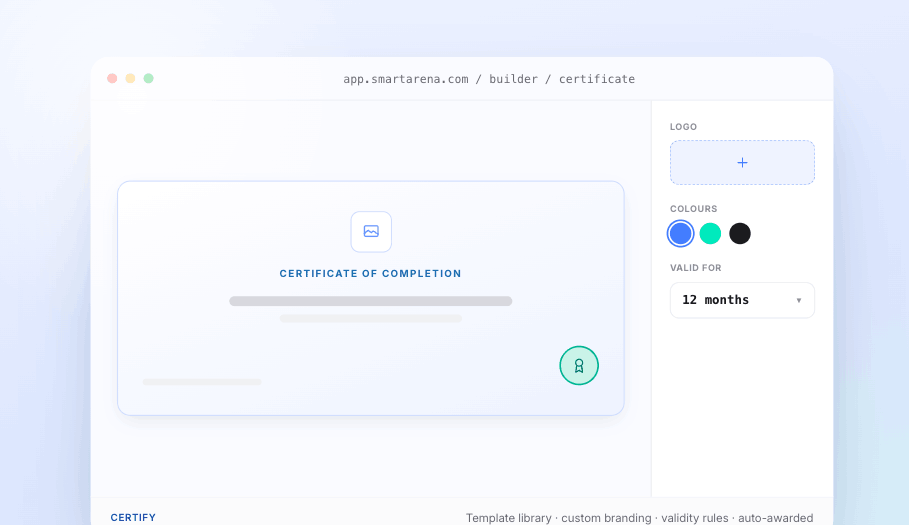
Create certificates from a template library or design your own with your logo, colours, layout, and expiry rules. Set it once on the course, and every learner receives it automatically on completion.
- Template library for ready-made certificate designs.
- Custom branding with your organisation's logo, colours, and layout.
- Validity rules to manage expiry and renewal.
- Automatic awards tied to each learner's record.
Need signed, tamper-proof certificates for audits? Manage them in Compliance →
Finish properly — then publish where people learn.
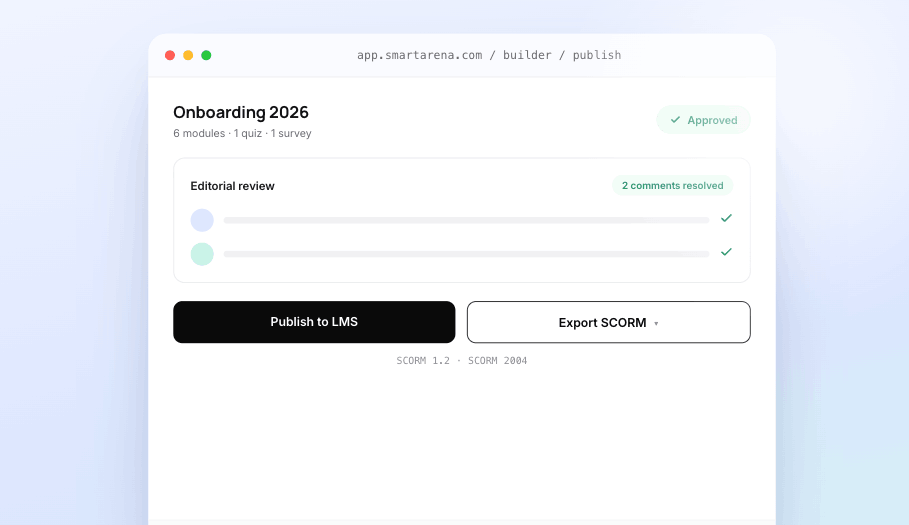
Approve, comment, and publish from the same place. Review content inside the course, then publish to Smart Arena LMS or export SCORM 1.2 / 2004 for another platform.
- Editorial workflow with approvals and in-course comments.
- LMS publishing to assign, automate, and track completion.
- SCORM export for any LMS, without rebuilding the course.
Ready to see it on your own content?
Import a real PPT, add a quiz and a survey, and publish it to the LMS – live, in one session.
Course Builder or Coursly AI — same platform, same output.
Generate a first draft with AI, or build every block by hand. Either way you finish, publish, and track in the same place.
Coursly AI
Generate the first draft – structure, copy, images, and a quiz – from a prompt, a file, or existing material.
Course Builder
Edit, structure, add assessments, approve, publish, and maintain the course by hand – full control over every block.
Together
Generate with AI, then finish in the Builder – or build entirely yourself. This page is about the Builder.
The Builder is one part of the platform – not a separate tool.
A course you build here moves straight into delivery, compliance evidence, and reporting – no exports, no second system, no re-uploading.
Coursly AI
Drafts the course from a prompt or file, then hands it to the Builder to edit, approve, and finish.
Explore Coursly AI →Learn
Publish a finished course to Learn to assign, schedule, and track completion across e-learning, ILT, and blended paths.
Explore Learn →Compliance
The Builder sets certificates and basic validity; Compliance adds e-signatures, audit trails, and renewal evidence.
Explore compliance →Insights
Every quiz score, completion, and survey response rolls up into live dashboards and exports.
Explore insights →Questions, answered.
Do I need design or technical skills to build a course?
No. If you can drag a block and type, you can build a course. The editor handles layout, interactivity, and formatting – so anyone on the team can create training, not just instructional designers.
Can I use my existing PowerPoint and PDF material?
Yes. Import PowerPoint and PDF files straight into a course and build on top of them – no starting from scratch, no separate conversion tool.
Can I build quizzes and surveys without another tool?
Yes – both are built into the Course Builder. Quizzes support multiple question types, pass scores, time limits, and retakes; surveys offer seven question types, three launch modes, and three levels of reporting. Results tie back to the course and the learner automatically.
Can I use the courses in an LMS we already have?
Yes. Publish straight into Smart Arena to assign, automate, and track – or export SCORM 1.2 / 2004 and import into any LMS you already run. No rebuilding, no broken formatting.
What's the difference between the Course Builder and Coursly AI?
The Course Builder is where you author and refine a course by hand, with full control over every block. Coursly AI is the optional AI authoring tool that generates a first draft – structure, copy, images, and a quiz – from a file or a prompt. Both live in the same platform.
Can we control who publishes content?
Yes. Run courses through a content approval process with in-course editorial chat, so material is reviewed and signed off before it goes live.